

Automatic Retries
We attempt to deliver each webhook message based on a schedule with exponential backoff. Each message is attempted based on the following schedule, where each period is started following the failure of the preceding attempt:- Immediately
- 5 seconds
- 5 minutes
- 30 minutes
- 2 hours
- 5 hours
- 10 hours
- 10 hours (in addition to the previous)
Failure notifications
When a webhook endpoint starts failing to receive events, Resend sends an email notification to your team. The email includes the endpoint URL, the time of the last failed attempt, and the last HTTP response status code. If the endpoint continues to fail, Resend will eventually disable it automatically and send a second notification to let you know. Once your endpoint is back up, you can re-enable it from the Webhooks page in the dashboard. For example, an attempt that fails three times before eventually succeeding will be delivered roughly 35 minutes and 5 seconds following the first attempt.Manual Replays
If a webhook message fails, you can manually replay it. You can replay bothfailed and succeeded webhook messages.
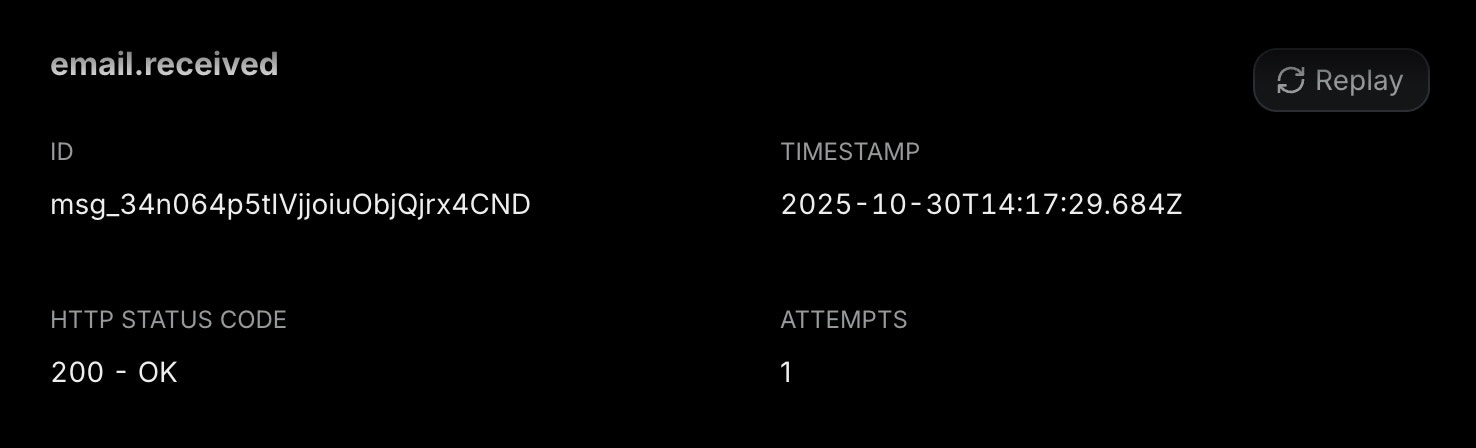
- Go to the Webhooks page
- Navigate to the Webhook Endpoint you are using
- Go to the Webhook Message you want to replay
- Click on the “Replay” button